Choosing a Large Resin 3D Printer: Best Models and Peculiarities
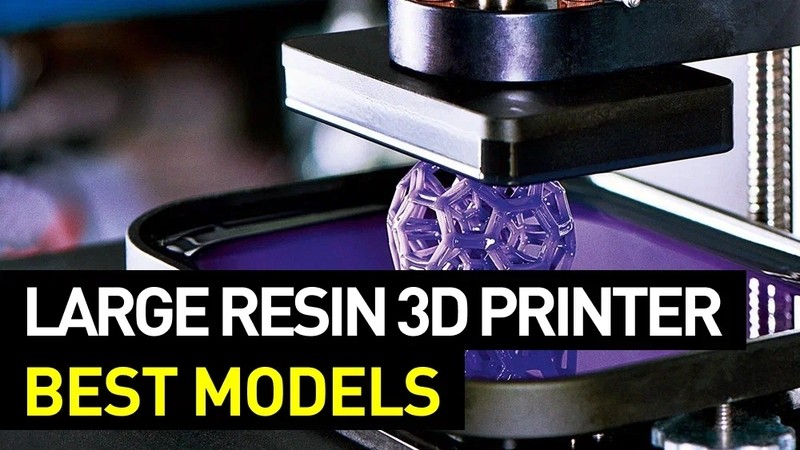
Veterans of additive manufacturing know that the first 3D printing technology to appear was stereolithography — it was as far back as 1986. Since then, there’ve been developed plenty of other methods like FDM and SLS; on the other hand, the popularity of stereolithography technology drastically increased when resin 3D printers became much more affordable and advanced. As a result, now the market offers a variety of options for printing in photosensitive resins, with multiple smart features and build volumes for different purposes.
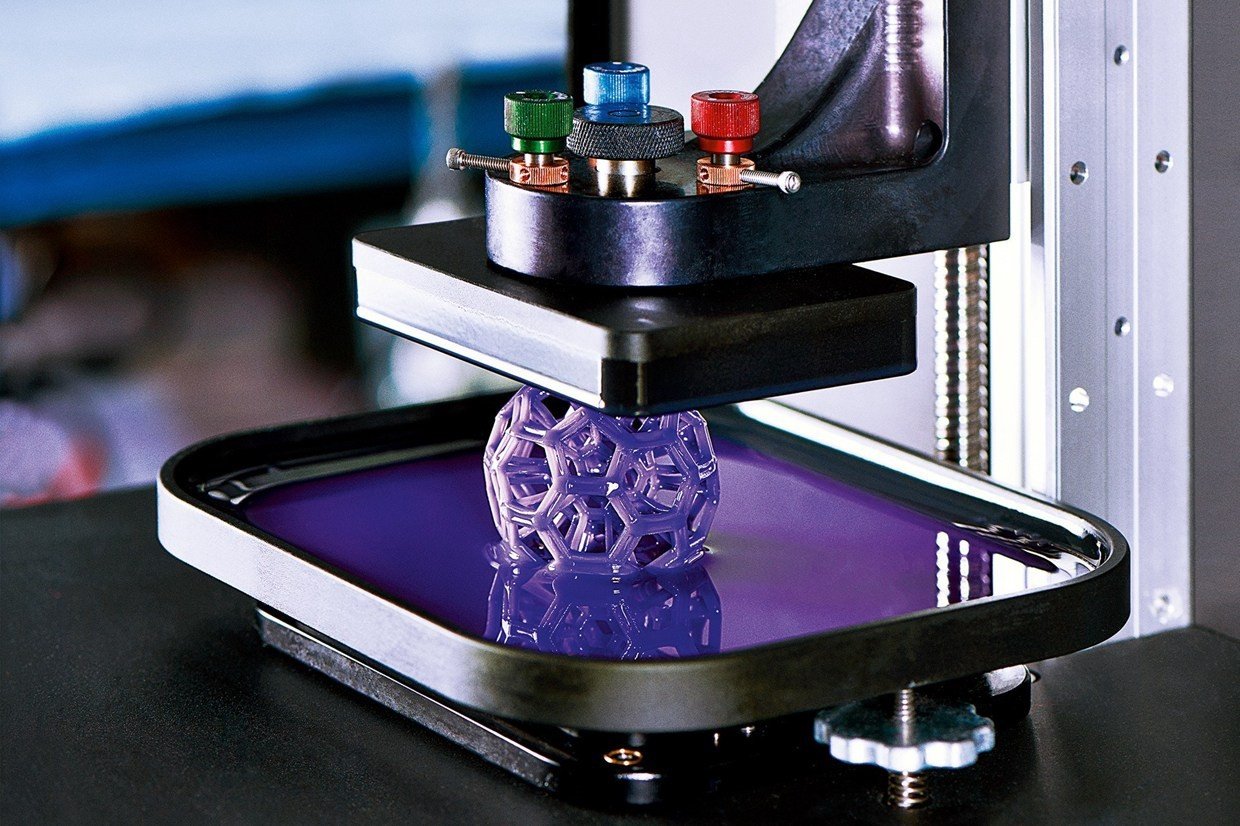
Credit: allthat3d.com
This is Top 3D Shop, and in this article, we are going to tell you about large resin 3D printers. Read on to learn about the most notable models and their peculiarities, as well as the applications of SLA printing and the criteria to be taken into account when choosing such equipment.
What is a large resin 3D printer?
Before we get to discussing specific models and their pros and cons, let’s have a brief look at the technology called vat photopolymerization. As the name suggests, it’s the process of turning a liquid polymer into a solid object under UV light exposure. Vat polymerization comes in three main types which are SLA, DLP, and LCD (or MSLA).
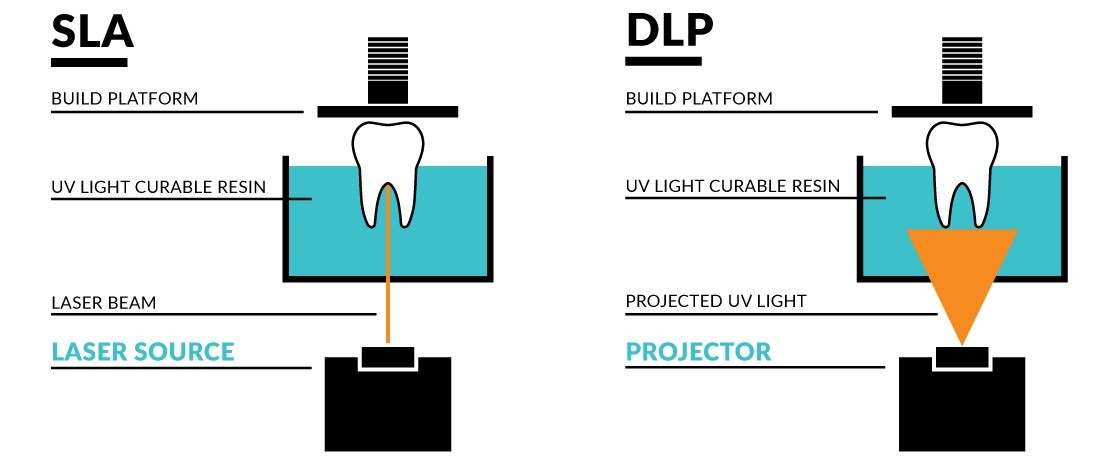
We’ve already mentioned that the first 3D printing technology was SLA (Stereolithography Apparatus) invented and patented by Chuck Hull in 1986. Like the other vat polymerization technologies, this one cures photosensitive resin, layer by layer, to print a 3D object. The difference lies in the source of UV light used for polymerization. SLA employs the UV laser to “draw” each layer of the future model. The method provides high quality prints but the downside of that is the trade-off in speed.
(Sometimes resin 3D printing in general can be referred to as SLA 3D printing, although it may cause ambiguity.)
Credit: burkhartdental.com
DLP (Digital Light Processing) technology uses a digital light projector screen as a light source. This technology gives you a significant gain in speed, as a whole layer is cured all at once. On the other hand, classic SLA printers can feature higher resolution compared to those using a projector.
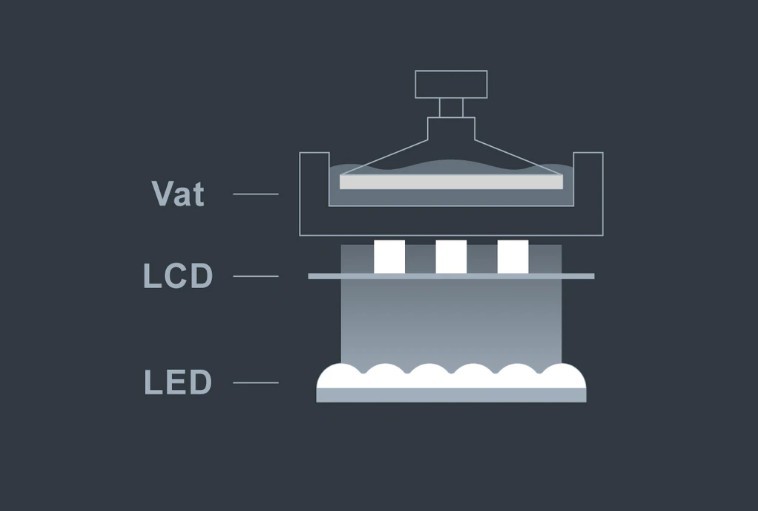
The newest type of vat polymerization technology is called LCD (which stands for Liquid Crystal Display). It’s pretty similar to DLP, but instead of a projector it uses an LCD as a mask for the light coming from an array of UV LEDs.
Credit: phrozen3d.com
As was already mentioned, the popularity of resin 3D printers is growing rapidly as they are becoming more advanced and user-friendly, and definitely less pricey. First these devices were used for printing small objects requiring high accuracy and flawlessly smooth surfaces, like in jewelry. But some users wanted to have bigger prints without compromising on quality. So eventually, resin 3D printers acquired bigger build volumes, and now we can speak of a great number of large resin 3D printers that entered the market.
Uses of a large resin 3D printer
Resin 3D printing with its precision, time-saving, and the opportunity of using a great variety of materials with different characteristics, is highly recommended for use in many sectors like jewelry, healthcare, engineering, aerospace, automotive, robotics, education, and more. This technology helps to create complex finely-detailed models which would be difficult to produce using traditional methods. Let’s look at some examples.
Medical and dental tools
Healthcare is one of the industries that benefit most from resin 3D printing. The variety of applications is numerous: from producing medical tools, which, being made of special medical resins, are biocompatible and can be sterilized in a usual way, to making organ models that help doctors make surgery preparations. In dentistry, special dental resins are utilized to produce models of crowns and bridges, surgical guides, splints and retainers with incredible accuracy.
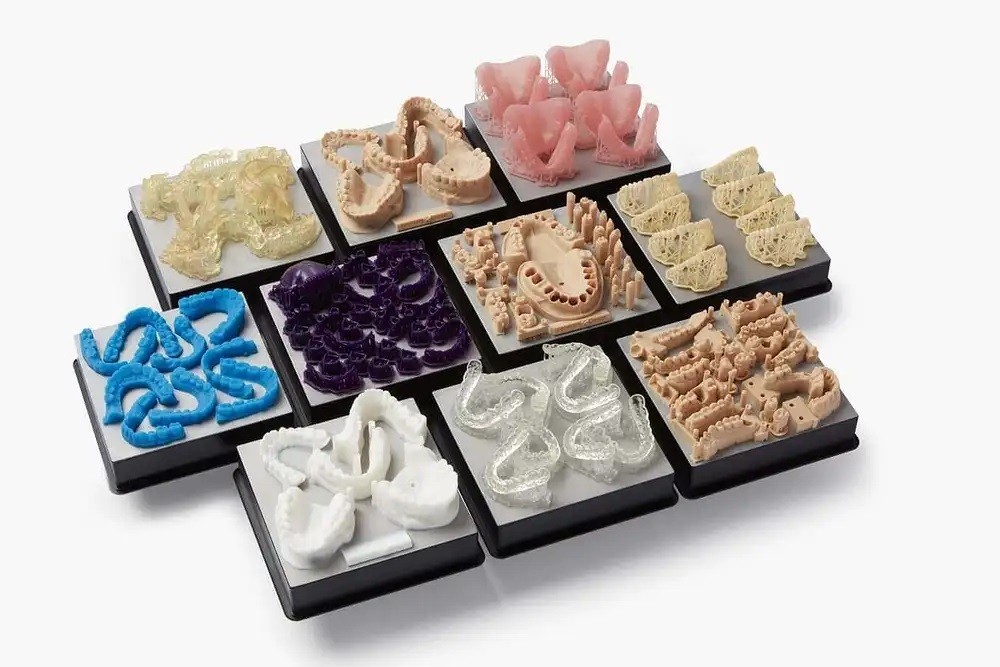
Credit: instituteofdigitaldentistry.com
Gifts and toys / miniatures
Resin 3D printing technology has already been highly appreciated by hobbyists looking for a simple way of making miniatures and customized figures. Toy and gift industries also greatly benefit from employing 3D printing in manufacturing. One more interesting application of the technology in the toy industry is repairing toys and creating spare parts for them.

Credit: facfox.com
Education and entertainment
As the resin 3D printing industry grows, educational institutes are starting to use it for research and education purposes. Both students and professors utilize 3D printers for a variety of purposes like printing visual AIDS or models for their projects. In some colleges, professors make use of 3D printers while telling the students about additive manufacturing technology. There are a lot of sites that offer huge selections of free 3D printing models for entertainment and educational purposes.
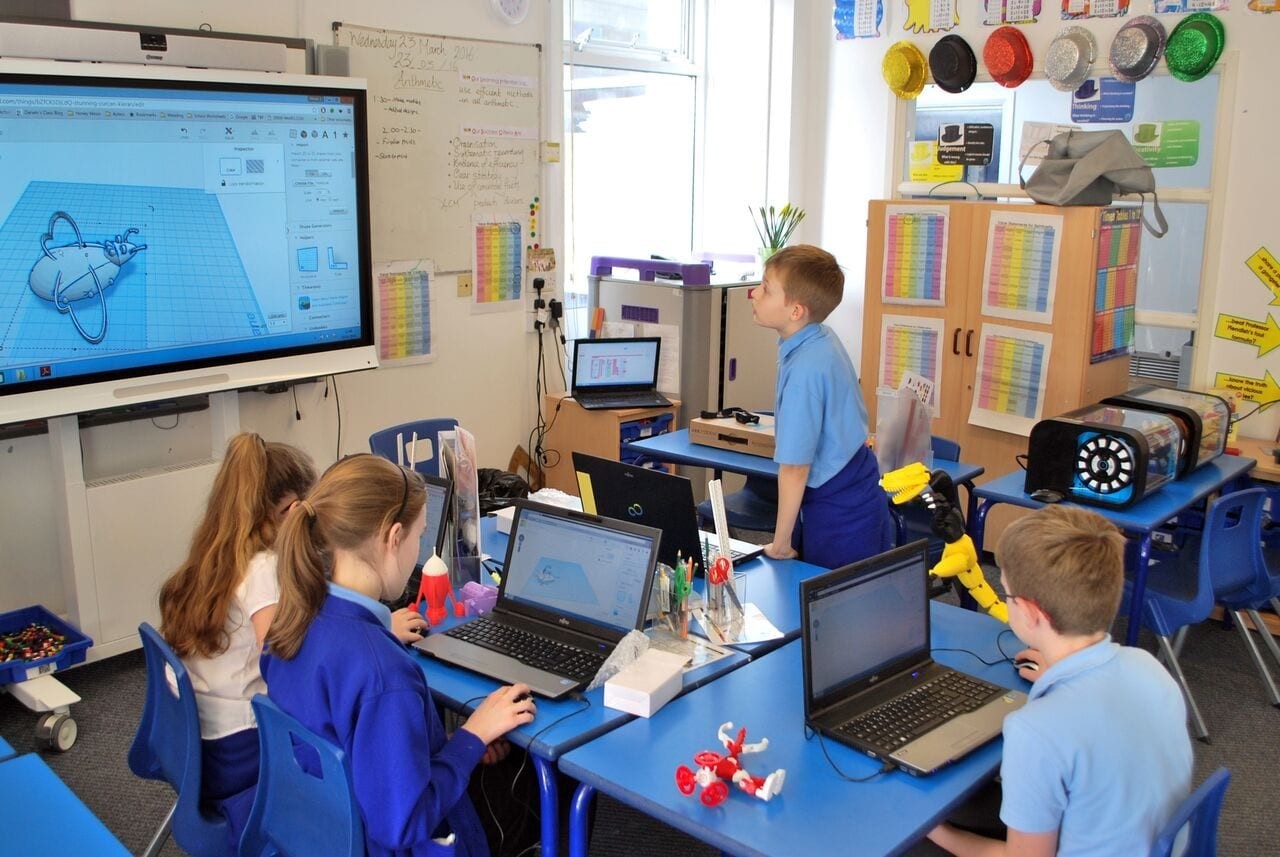
Credit: 3dstartpoint.com
The best large resin 3D printers: affordable, commercial and industrial
A wide variety of large format resin 3D printers can be divided into three categories, let’s call them affordable, commercial, and industrial devices. Printers relating to the first category are the best choice for home use, as they are quite affordable and not very big in size. They can also be used for the needs of small businesses, and would be perfect in the field of education. The category of commercial printers is aimed at small and medium-sized businesses, but some consumers can also become interested in buying such a device, especially if they are planning on printing some huge ambitious projects, like, for instance, certain elements for cosplay costumes. Commercial large-scale resin 3D printers normally have more spacious build volumes than devices from the category of affordable printers. And, last but not least, industrial printers with their impressively high performance and no less impressive price are mostly targeted at large manufacturing companies with high production volumes.
Affordable
Anycubic Photon Mono X 3D printer
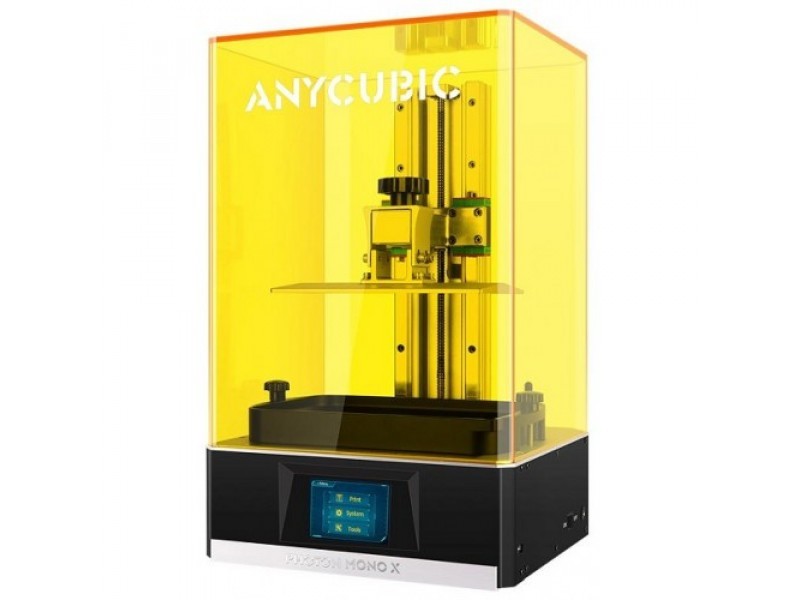
The Anycubic Photon Mono X is a high-speed LCD resin 3D printer. It boasts a 4K resolution panel which allows for high accuracy of printing with a single layer depth not exceeding 0.01 mm. The printing speed is impressive — it takes only 1–2 seconds to print a layer. The Photon Mono X features a spacious build volume of 192х120х245 mm. Built-in safety functions are helpful if you are planning to use the printer at home with kids. The Photon Mono X offers a number of convenience features, such as Wi-Fi and remote control. All this makes the Anycubic Photon Mono X one of the best large format resin 3D printers in its price range.
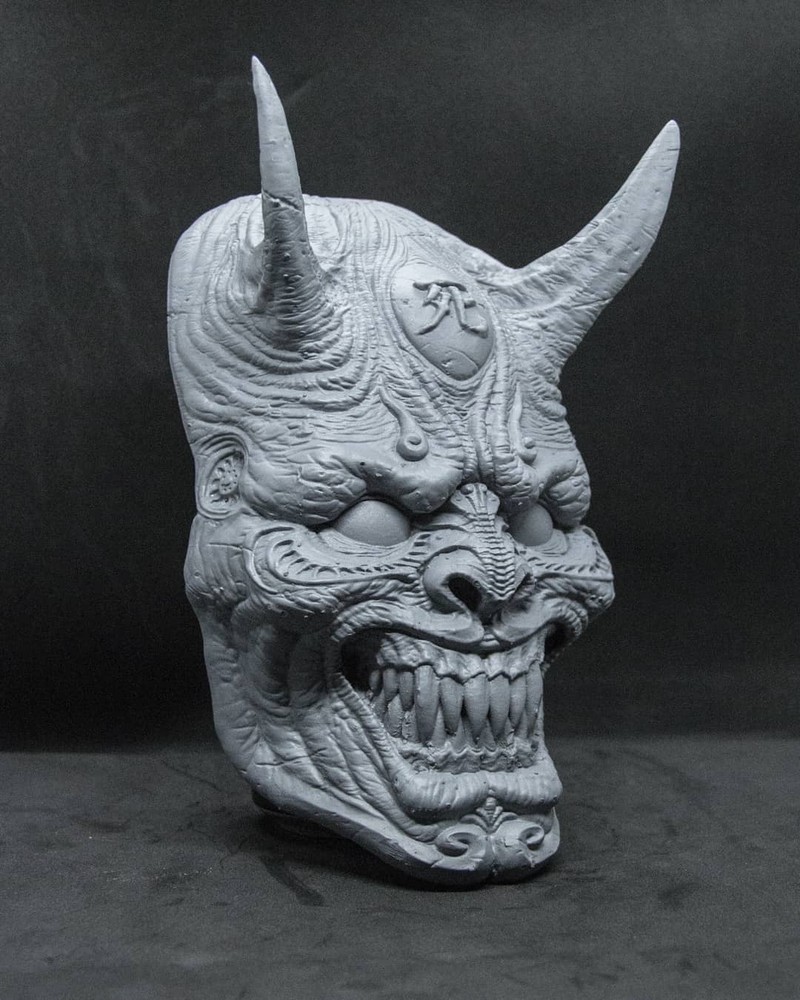
Credit: @leandro_benignoart / Instagram
Pros
- high printing speed
- great resolution
- Wi-Fi connectivity
- strong brushed aluminum panel
- built-in safety functions
Cons
- rather expensive
- some users complain of the software performance
Phrozen Sonic Mighty 4K resin 3D printer
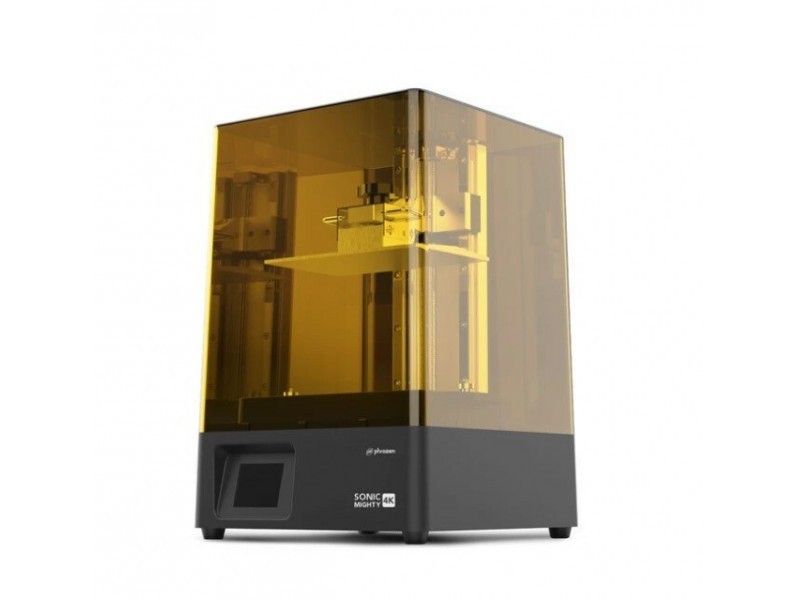
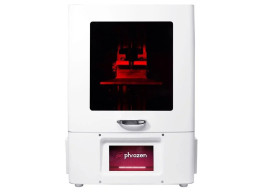
The Phrozen Sonic Mighty 4K offers one of the largest build volumes in its price range — 200x125 x220 mm. The machine is designed for printing one big model or multiple smaller parts in one batch. A 9.3-inch 4K monochrome LCD screen offers excellent printing quality alongside the high speed. The printer is equipped with a 5-inch touchscreen for navigation and settings configuring. The device is compatible with the free Chitubox slicer optimized to work with resin 3D printers. The Phrozen Sonic Mighty 4K would become a good choice both for commercial and home use. The printer is widely used in dentistry.
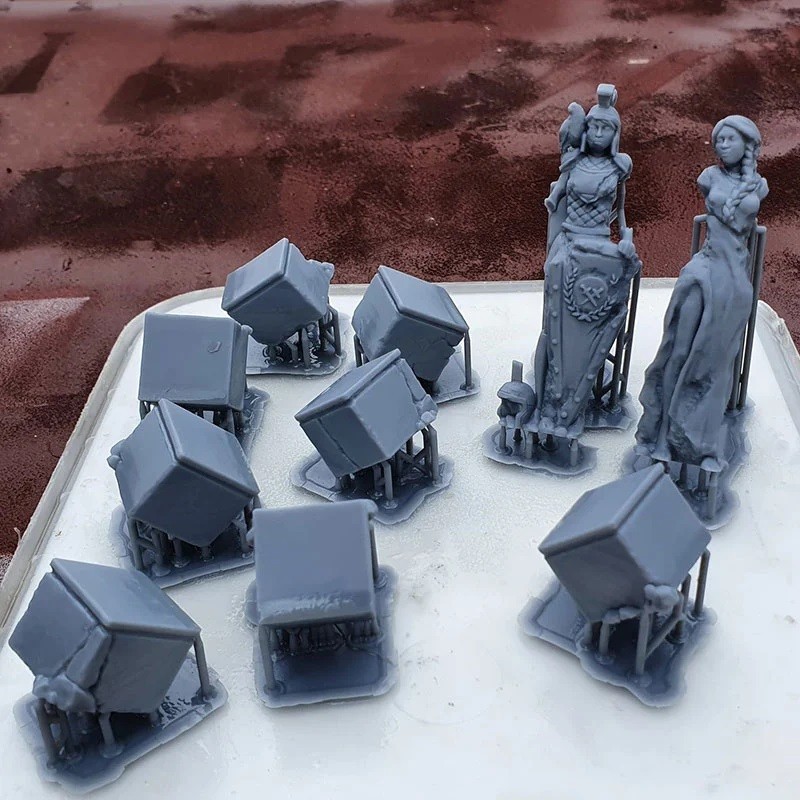
Credit: printablescenery.com
Pros
- high printing speed
- excellent print quality
- large build volume for its class
- easy operation
Cons
- resin vat is not easy to fit
- small touchscreen
Creality LD-006 3D printer
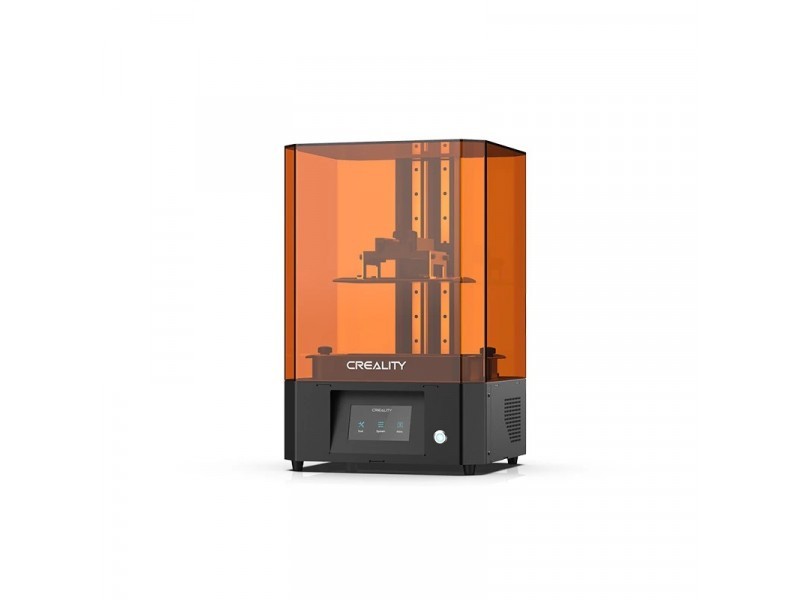
Like most large volume resin 3D printers in this segment, the Creality LD-006 is based on LCD technology. The device features a new 8.9-inch monochrome LCD screen with 4K resolution. The build volume is decent enough — 192x120x250 mm. The Creality LD-006 boasts a renewed vat which adds to the user’s convenience. The vat has a liquid level line which helps to control the resin expenditure, and special stands to prevent the FEP film from being damaged. The LD-006 has a built-in air filtering system, which seems to be pretty useful when working with resins that are characterized by strong odor.
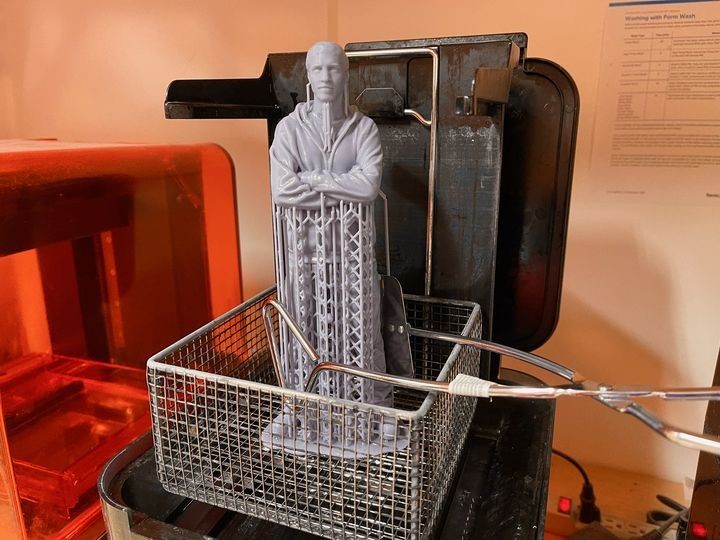
Credit: fabbaloo.com
Pros
- high resolution and print quality
- convenient vat
- built-in air filtration system
- great touchscreen
Cons
- no Wi-Fi connection
- a bit pricey
Uniz IBEE 3D printer
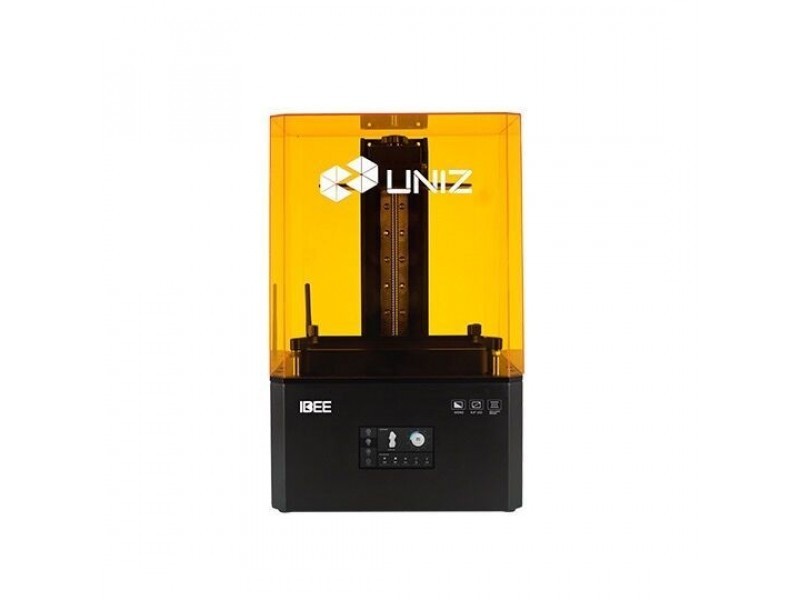
The Uniz IBEE is a multi-purpose desktop LCD 3D printer of medium size. It offers an 8.9-inch 4K monochrome LCD screen and the build volume of 192x120x200 mm. Its new optical system employs a collimated light source, providing the 1000:1 contrast ratio. The device has a wide range of connectivity options including Wi-Fi, and comes with the proprietary powerful and user-friendly software, which makes the Uniz IBEE a win-win choice for beginners.

Credit: uniz.com
Pros
- great quality of printing
- decent build volume
- rich connectivity options
- easy to use
Cons
- changing the vat film requires a lot of time
Commercial
Phrozen Sonic MEGA 8K resin 3D printer
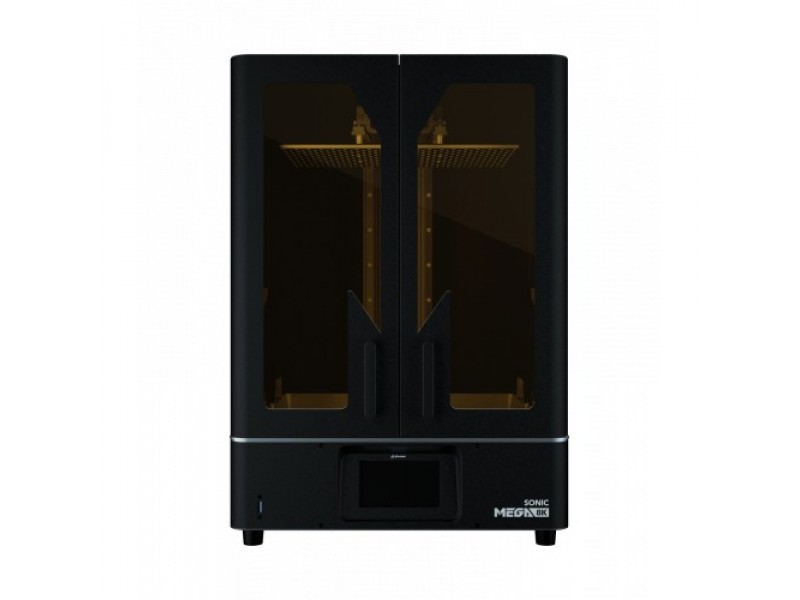
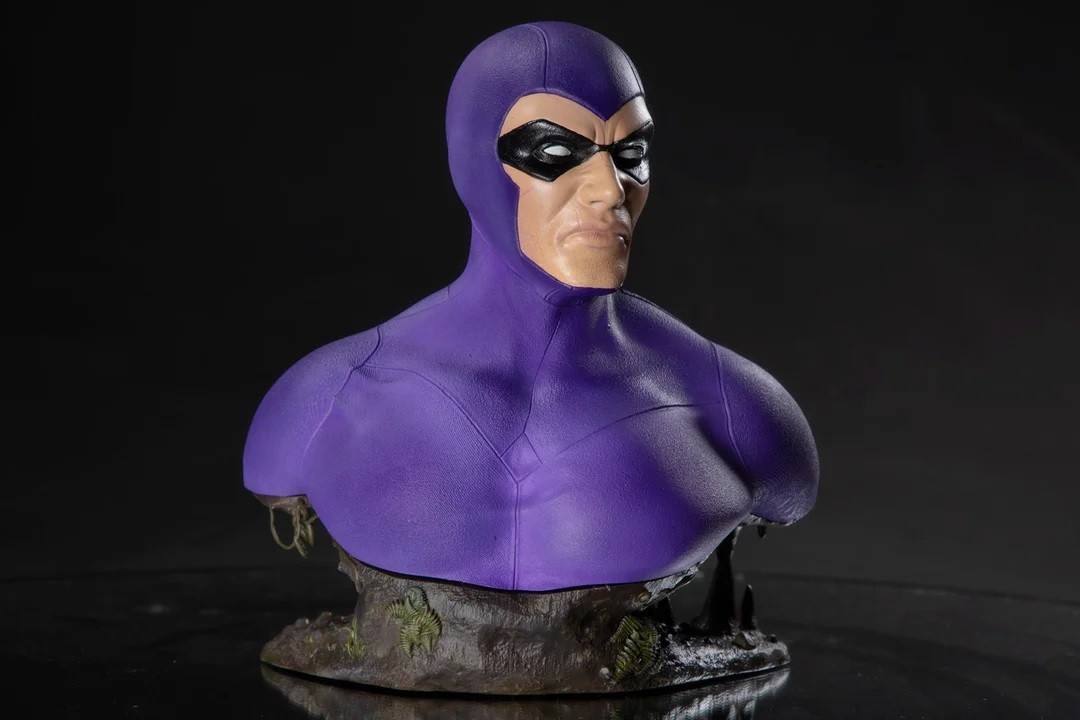
The Phrozen Sonic MEGA 8K stands out among other large resin 3D printers as it provides both stunning print quality and one of the largest print volumes on the market. Its 15-inch 8K mono LCD panel allows you to print at 43-micron resolution, which gives you almost twice more detailed prints than most competitors can offer. The Sonic MEGA 8K comes with a pre-calibrated build plate, which means your printer is ready for use right out of the box. The device has a full-metal exterior and its more than competitive price makes it the best choice for those seeking for really large and highly detailed prints.
Credit: reddit.com
Pros
- excellent print quality
- huge build volume
- pre-calibrated build plate
- great value for money
Cons
- rather slow printing speed
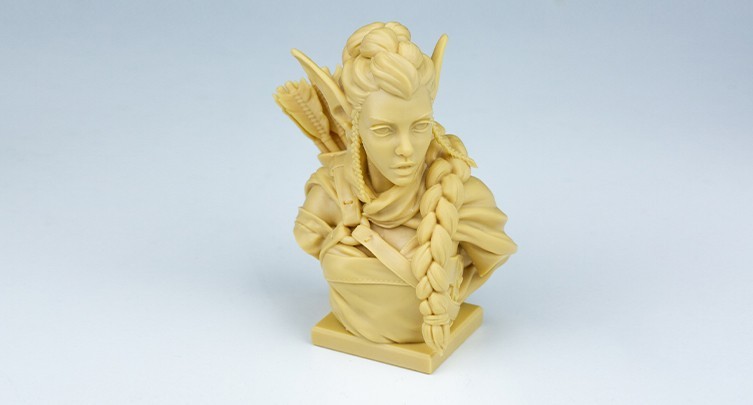
Uniz Slash 2 Pro 3D printer
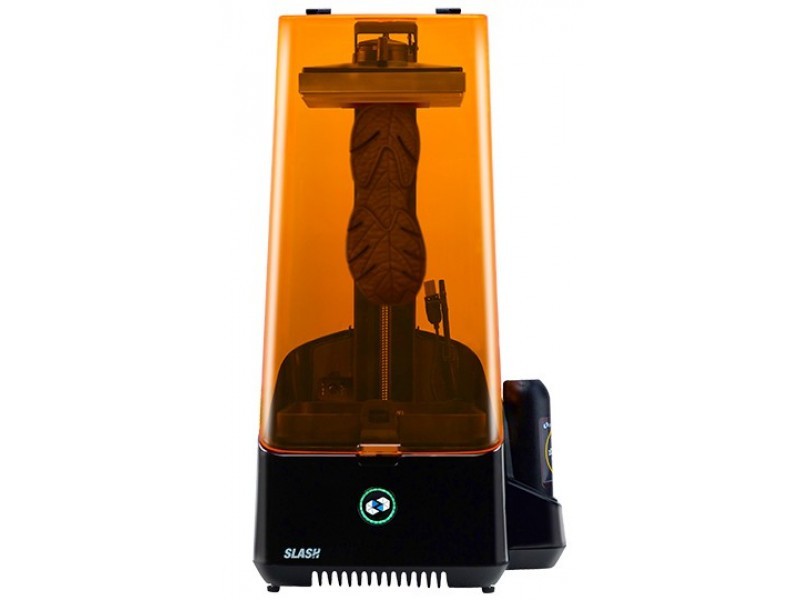
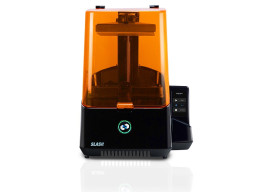
The Uniz Slash 2 Pro is an upgraded version of the popular Slash 3D printer. Its liquid cooling system together with the intelligent heat management provides fast curing time which results in high printing speed. The printer uses LCD 3D printing technology and is equipped with a 4K LCD screen. The build volume is 192x120x400 mm, which is quite enough for most projects. The Uniz Slash 2 Pro sports a durable resin vat with the automatic level control.
Credit: uniz.com
Pros
- extremely fast printing speed
- large build volume
- high printing accuracy
- quite affordable
- durable resin vat
- powerful and user-friendly software
Cons
- no touchscreen for the printer control
Phrozen Sonic XL 4K resin 3D printer
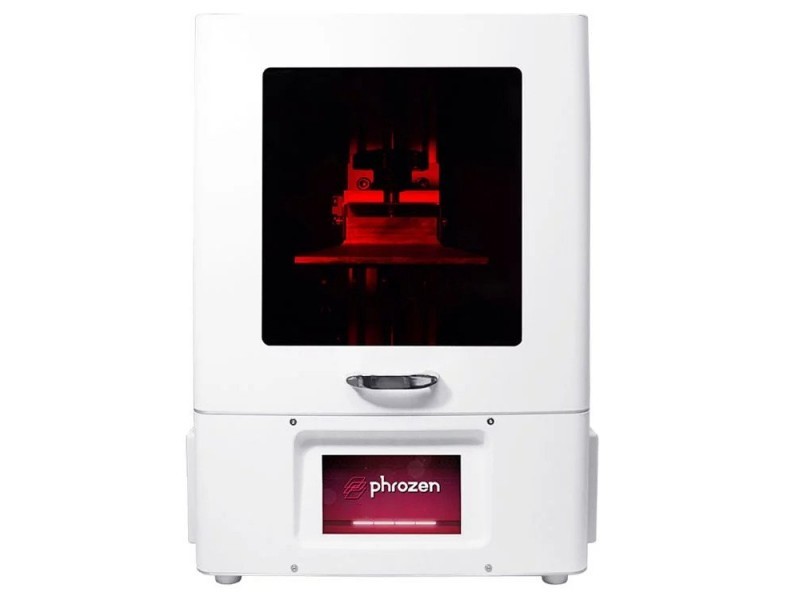
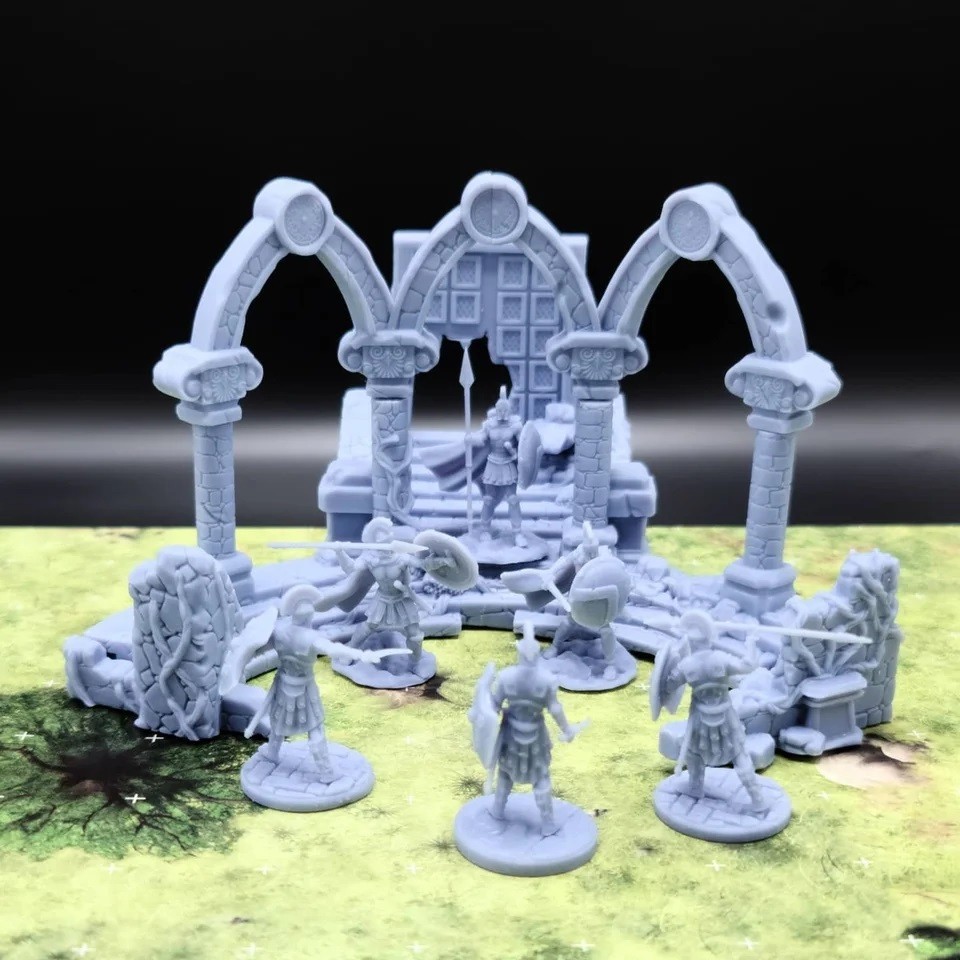
The Phrozen Sonic XL 4K is a large format resin 3D printer specially designed for the dental industry, although it perfectly suits the needs of jewelry production, prototyping, and other industries requiring high-accuracy printing. It features a monochrome LCD matrix with a resolution of 3840x2160 and a pretty large print area. One of the advantages of the Sonic XL 4K is the support of various types of resins by different manufacturers. The optical system of the device has been improved compared to the previous models. The Phrozen Sonic XL 4K also has a more powerful ParaLED® 3.0 module which provides an even layer thickness over the entire area of the build plate.
Credit: reddit.com
Pros
- fast printing speed
- large build volume
- fine precision
- compatibility with various resin types
- a lot of connectivity options
Cons
- no warranty for the building platform and the LCD screen
EPAX X156 3D printer
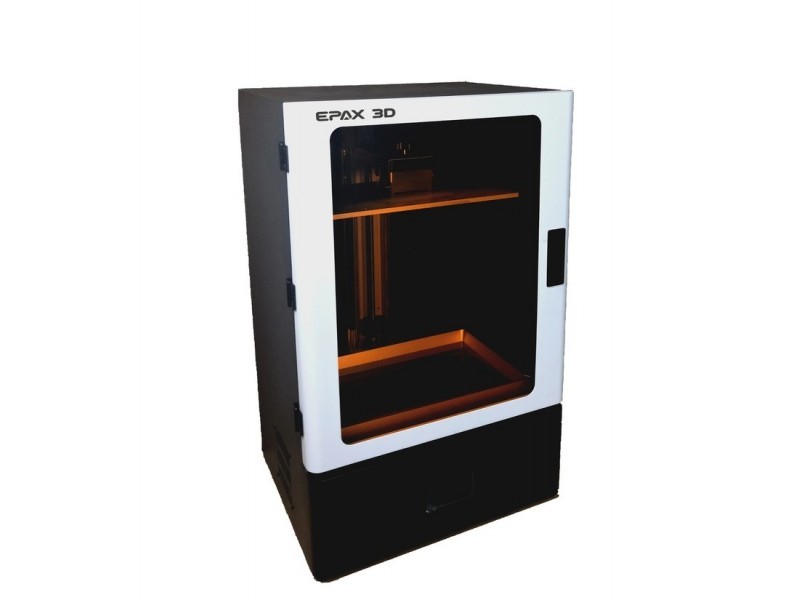
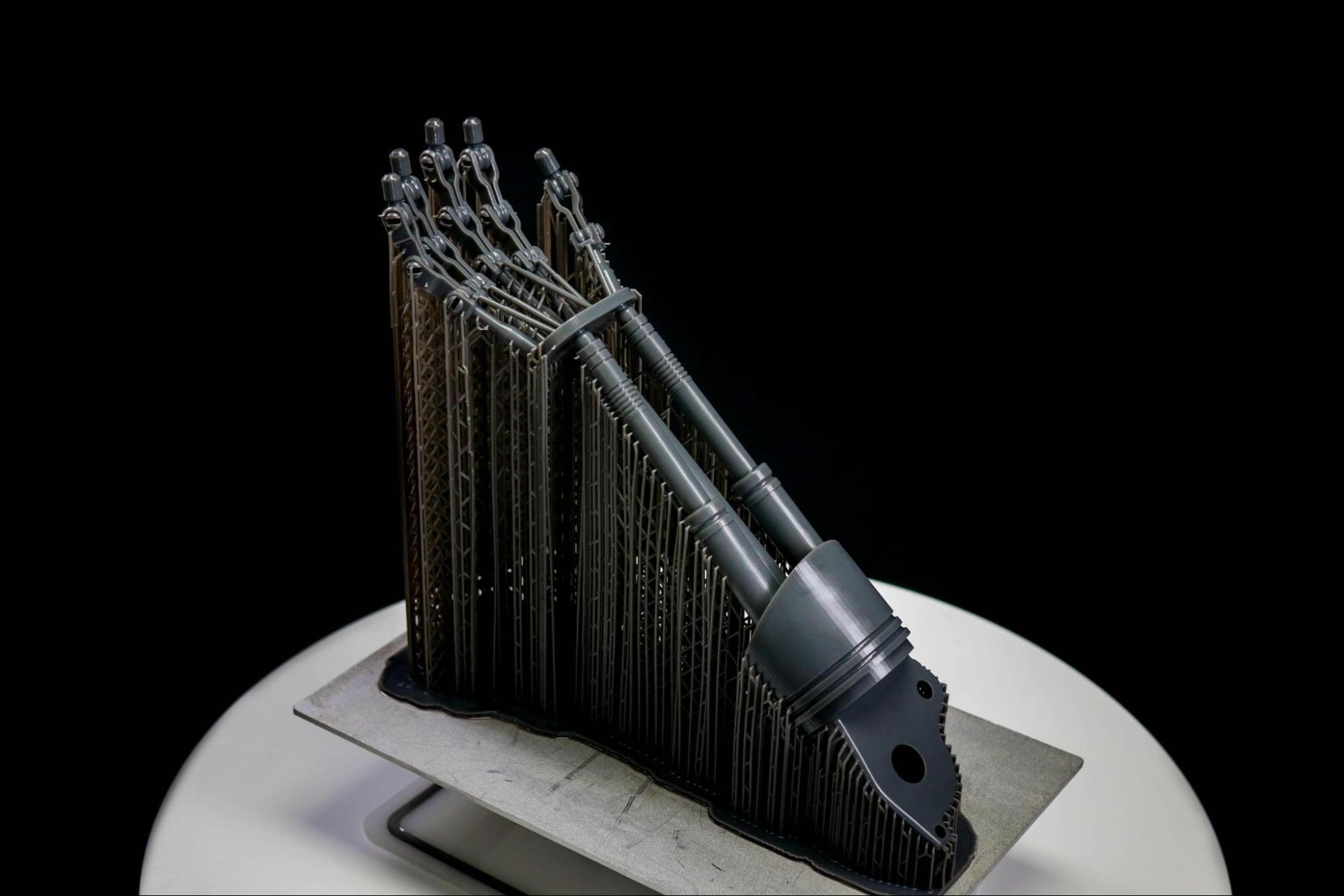
With a 345x194x400 mm build volume, the EPAX X156 is one of the largest resin 3D printers in the market. The printer features a 15.6-inch 4K RGB screen which is less durable and requires more time to cure the layers, compared to monochrome screens. The good news is that in the case of the EPAX X156 it doesn’t seem much of a problem as the manufacturer provides the opportunity to upgrade the device with a smaller but more durable 4K monochrome screen with the same resolution and a 4 times faster printing speed.
Credit: reddit.com
Pros
- super large build volume
- fine precision and great surface finish
- factory-leveled printing plate
- large metal resin vat
Cons
- small touchscreen (3.5 inches)
- RGB LCD screen is less durable and features a slower printing speed (although can be upgraded to monochrome)
Formlabs Form 3 / 3L
Credit: formlabs.com
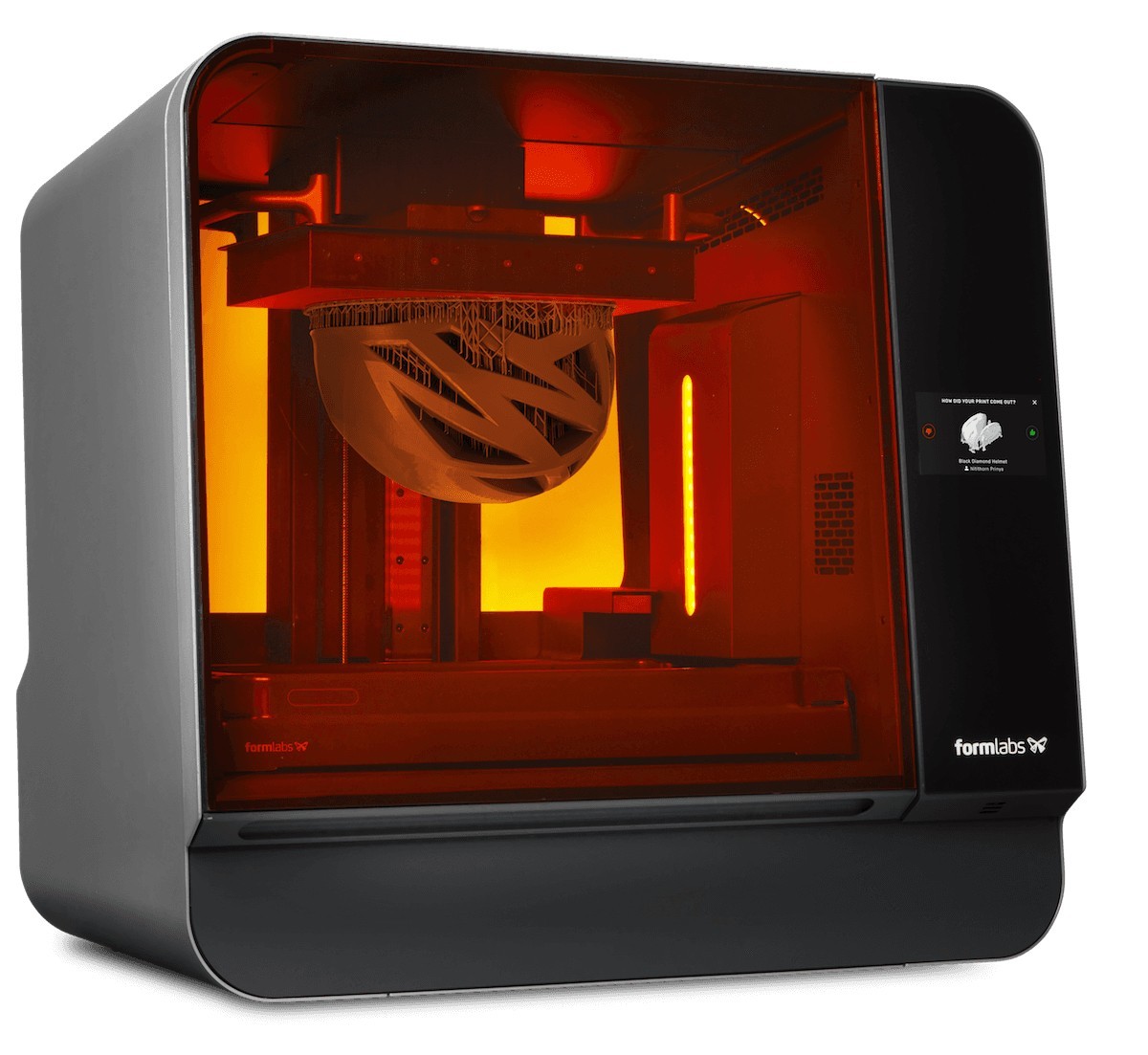
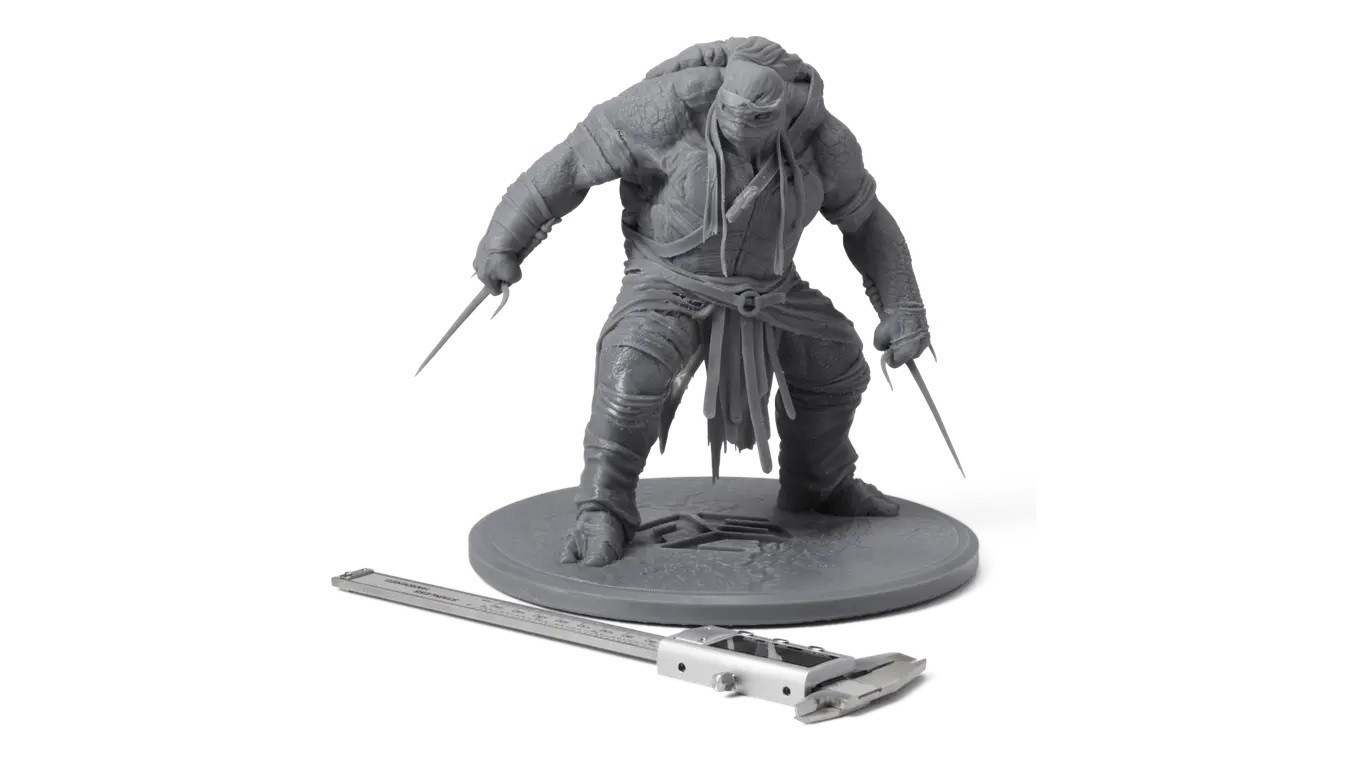
The Formlabs Company has developed a completely new proprietary printing technology called LFS (Low Force Stereolithography) for its Form 3/3L models. This technology, based on SLA, ensures edge-to-edge consistency of the print quality. The major difference between the two models is the build volume, which is 145x145x185 mm for the Form 3 and 335x200x300 mm for the Form 3L. Both printers can work with various resin types which increases their versatility and allows their use in different industries.
Credit: formlabs.com
Pros
- large build volume (for the 3L model)
- high printing speed
- very user-friendly, allows fully automatic one-click printing
- works with a great number of various resin types
Cons
- support structure is required for every build
- some users reported problems with dust inside the laser unit
Peopoly Phenom Prime
Credit: peopoly.net
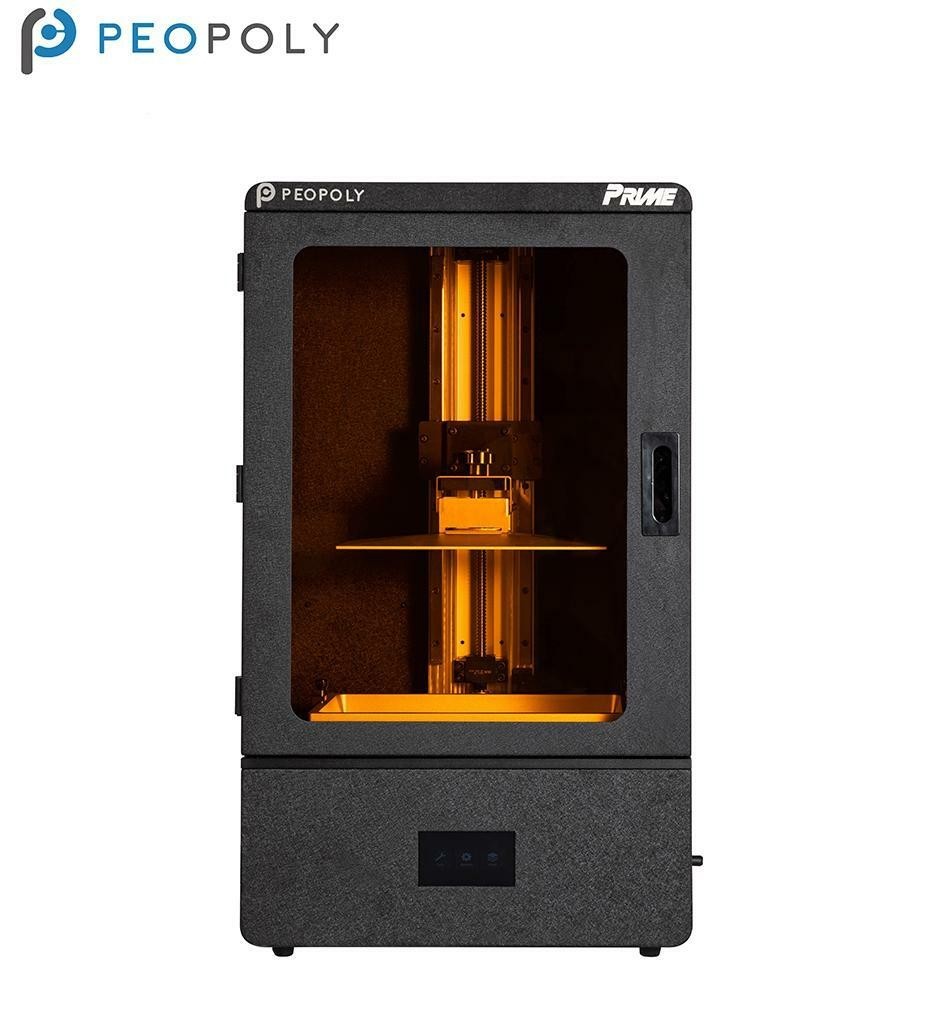
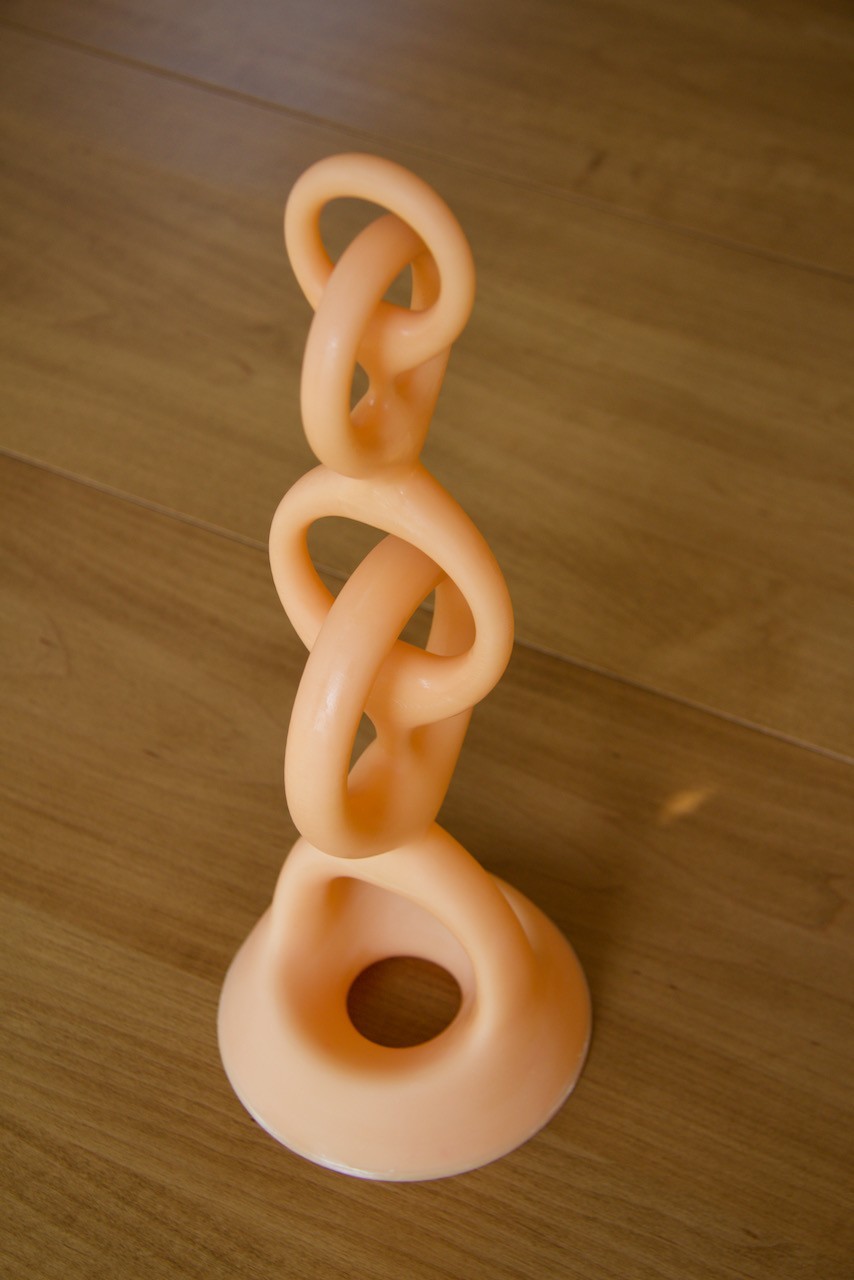
The Peopoly Phenom Prime is a large resin LCD 3D printer featuring a great monochrome 12.5-inch 5.5K screen, which allows printing with a resolution of 51 microns. The device boasts a huge 276x155x400 mm build volume. The Phenom Prime has an improved cooling system compared to its predecessor, the Phenom model.
Credit: peopoly.net
Pros
- one of the biggest resin 3D printers
- monochrome high resolution LCD screen
- supports various resin types
Cons
- loud printing process
Industrial
Industrial large resin 3D printers are to meet special requirements, one of them being definitely an extremely high printing speed. None of the existing technologies is capable of providing such speed level. The growing demands for high-speed 3D printing have led to developing such ultra-fast printing technologies as CLIP and LSPc. Let’s see what’s so special about them.
Nexa3D vs Carbon3D
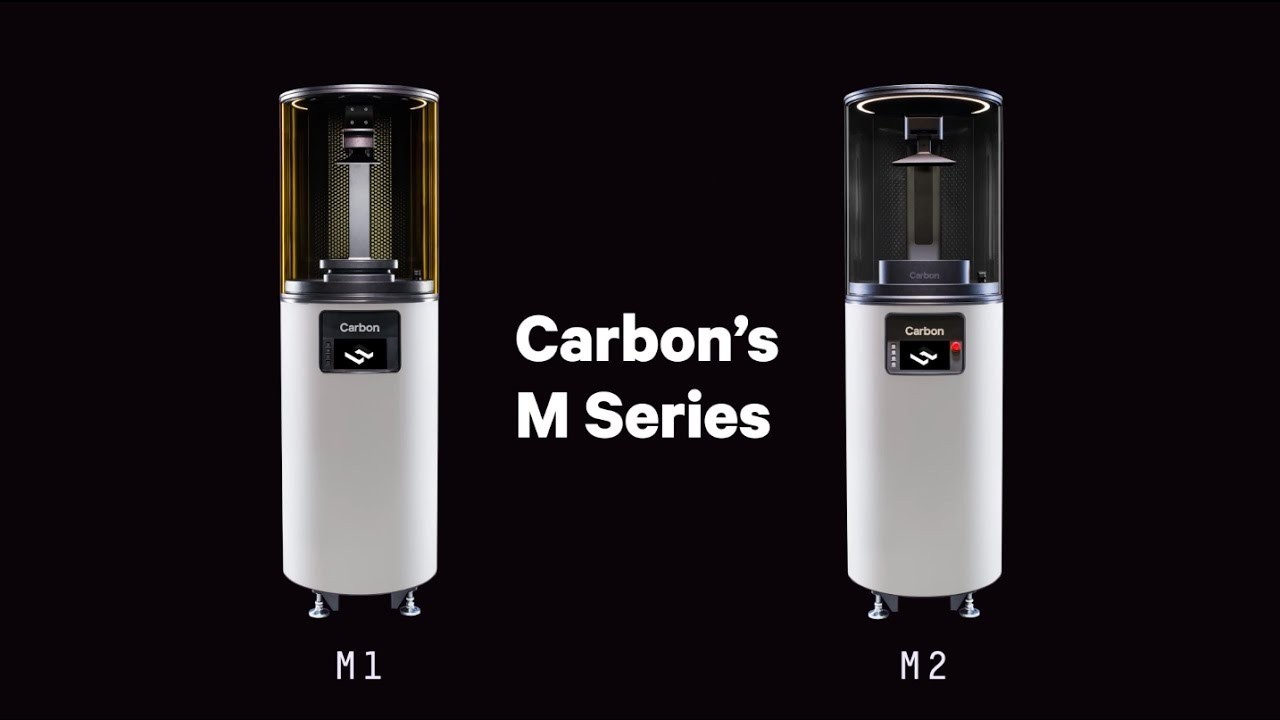
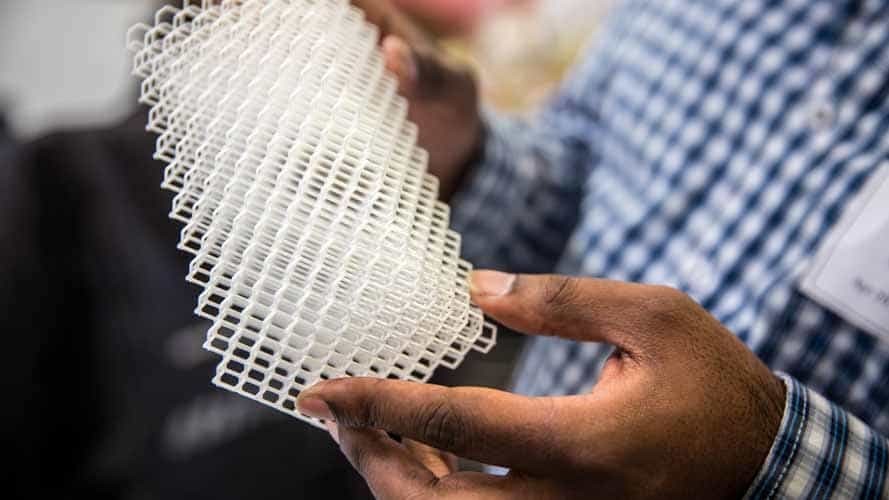
The CLIP (Continuous Liquid Interface Production) technology was developed by the Carbon 3D Company. Like with SLA technology, the models are printed layer by layer, but you don’t have to wait for each layer to be cured, since the technology harnesses oxygen as an inhibiting agent. This allows for printing speed 25–100 times higher than that of any other existing 3D printing technology. Such an approach not only decreases production time, but also removes the layering effect in the print structure. The CLIP technology is presented by two models: Carbon M1 and Carbon M2 with build volumes of 144х81х330 and 190х118х326 mm respectively. These models can not be called affordable, but they quickly caught the attention of big companies like Adidas, Ford, and others. These companies highly appraised the advantages of high-speed and at the same time low-cost production, compared to traditional manufacturing.
Credit: YouTube
Credit: 3dbeginners.com
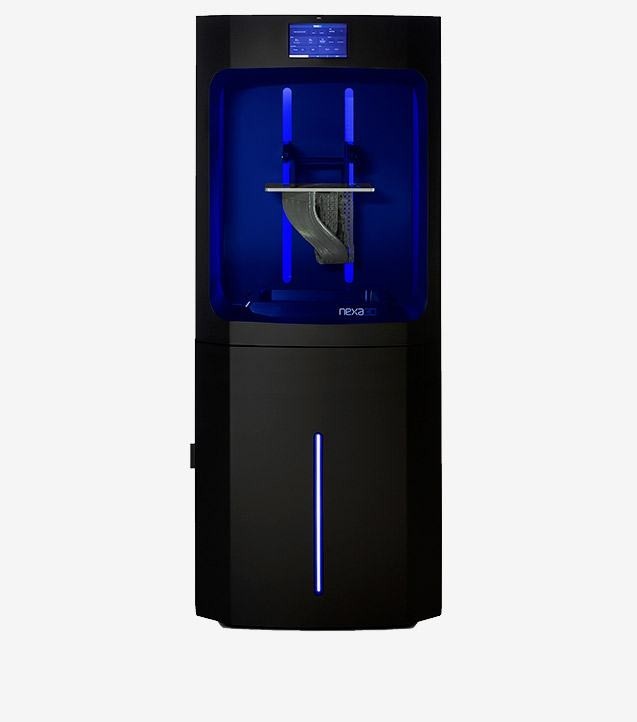
The LSPc (Lubricant Sublayer Photocuring) technology by the Nexa3D Company uses a similar principle to CLIP, being different in some features. Nexa3D produces two models based on LSPc technology – NXE400 with a print volume of up to 16 liters and the 7-liter NXE200. These models are suitable for both industrial prototyping and small-volume manufacturing. The LSPc printers are equipped with replaceable resin cartridges, so you don’t have to refill the vat during the printing process. Nexa3D printers can work with a great number of different materials, which makes them suitable for use in the aerospace and car industries, consumer goods, electronic equipment, and many other fields.
Credit: nexa3d.com
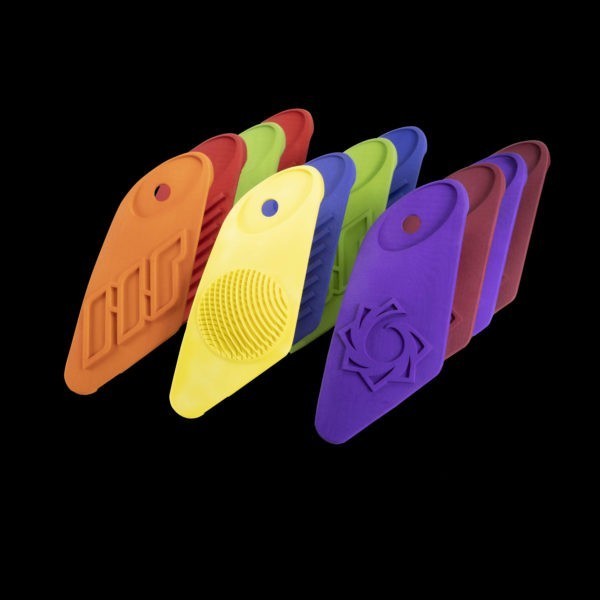
The main advantage of the ultra-fast printing technologies is an extremely high printing speed which gives the user absolutely new experience in 3D printing. However, such devices are highly expensive and sometimes the manufacturers don’t even sell them to consumers, which makes such printers completely unsuitable for home use and even for small businesses. Still, they can be a great choice for large manufacturing enterprises affiliated with large production volumes.
How to choose a good large resin 3D printer
When it comes to choosing a large resin 3D printer among the numerous solutions offered by manufacturers, one can feel a little bit frustrated as the choice is too vast and not always obvious. Besides, each user usually has special requirements in mind, thus what’s essential for one person can be of no importance for another. We’ve already given you the list of the models worth considering, and now let’s name the key features that’ll help you find the best large resin 3D printer that you’ll be fully content with.
Build volume
The build volume or the printing area defines the maximum size of your future project. The larger the build volume – the larger laser sword you can print. But if you are not that ambitious and gonna print something of a smaller size, you may not restrict your choice by this parameter. Besides, larger build volume usually means bigger size of the printer itself. It also requires more consumables.
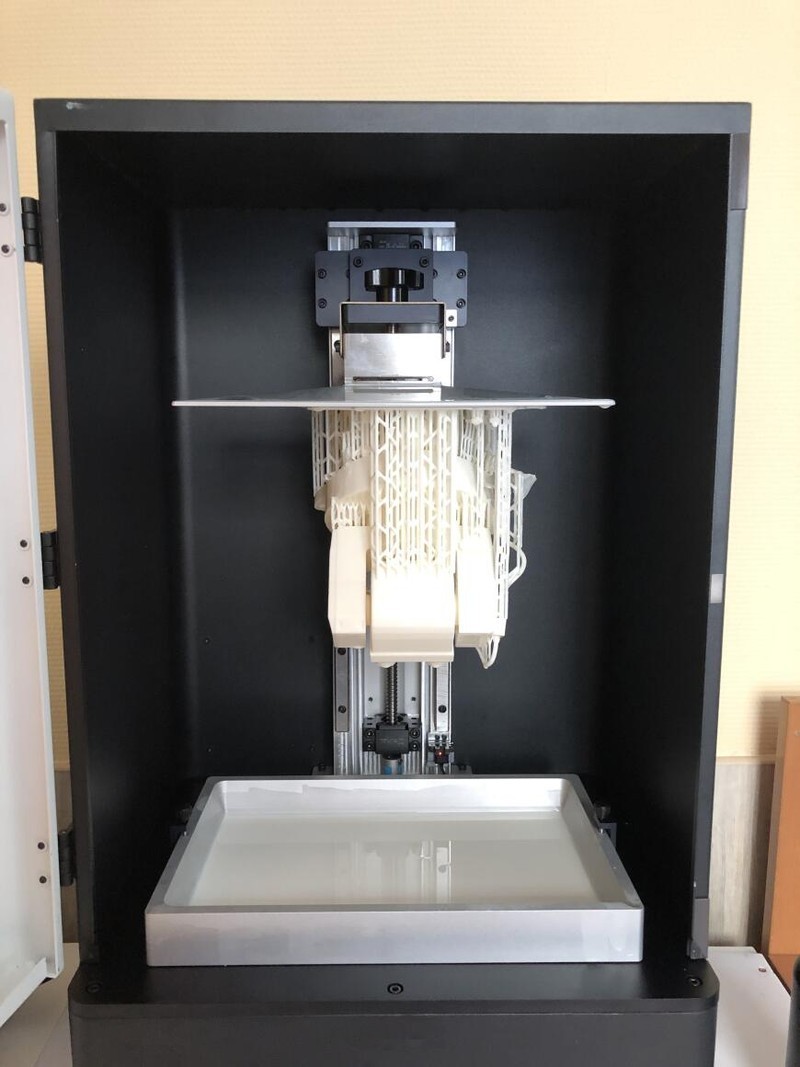
LED array
LED array, or LED matrix, is used in LCD 3D printers as the light source to cure the printed layers. Manufacturers develop different optical systems trying to get the consistent lighting possible on the entire build plate, as it directly affects the print quality.
Production speed
DLP and LCD printers generally have a faster production speed than SLA models. Monochrome LCD matrix provides much higher printing speed than a color one, as the latter absorbs more light and the layers are cured more slowly. It’s up to you, whether you need really speedy printing or better save a little money.
Resolution and precision
Important parameters that define how similar your print will be to the original. Resolution and precision are often regarded as synonyms; but nevertheless these two words are close in their meanings, there's a certain difference. Resolution can be defined as the X-Y dimensions (horizontal resolution) and layer thickness in micrometers (vertical resolution). The less the layer thickness is, the higher resolution your printer has, which results in smoother and more detailed prints. Precision rather refers to the consistency of the printer, in other words, it shows if it is capable of providing expected results in every print. If you need fine-detailed prints, then resolution is a crucial thing for you. But don’t forget that higher resolution always means slower printing speed.
Stability
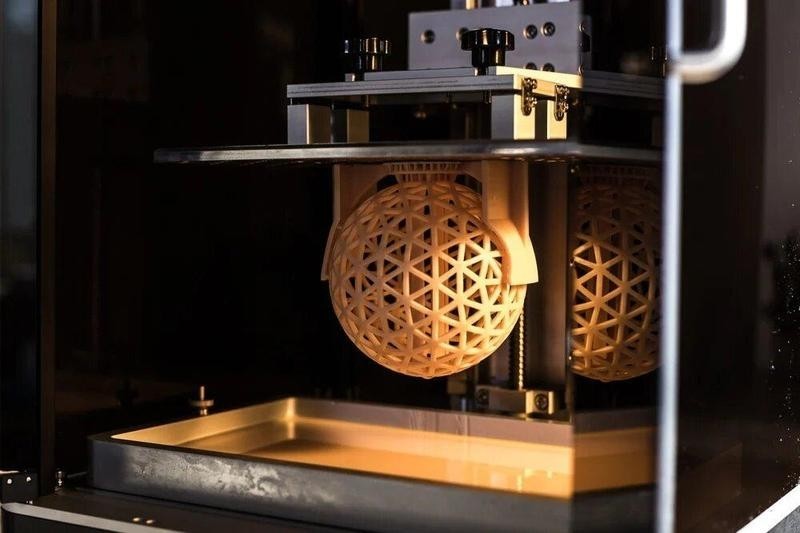
The quality of your prints depends to a great extent on how stable your printer is, if there’s any undesired wobbling during the printing process. To ensure the stability, all the printers in our list are equipped with double linear Z-axis rails to move the build platform up and down. You can also make some steps to improve your device’s stability. First put it on a sturdy, heavyweight surface. Then put a foam or rubber pad under the printer to absorb vibrations. You can also reduce printing speed if this option is not very important for you.
Credit: all3dp.com
Print bed adhesion
It sometimes happens that your prints don’t stick to the print bed, but rather to the FEP film or to the resin vat. It means that the first layer of your project has poor adhesion to the build plate. To stop this, you should make sure you have enough bottom layers and the bottom layer has enough time to harden. You can use PTFE spray on your FEP film and let it dry to create a lubricant preventing the resin from sticking to the resin vat.
Economical
When one is choosing a large resin 3D printer, price can become an important factor as such machines, although becoming more affordable, still cost a lot. If you don’t want to spend extra money, you’d better check all the features to decide what you’re ready to pay for. Such parameters as high printing speed and extreme resolution make the device more expensive, but one can always find a reasonable compromise depending on their needs. Another important thing to keep in mind is consumables. Some printers allow using different types of resins produced by third-party manufacturers, which is great, as you can always choose the best option that suits your budget.
Conclusion
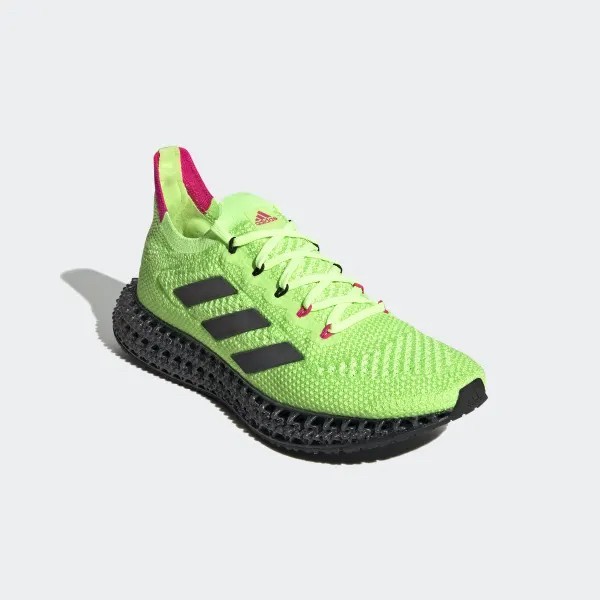
Large resin 3D printers are becoming more and more popular. As the technology’s developing rapidly, such machines have entered a lot of various industries, where they successfully meet the goal of high-speed precise printing at a relatively low cost. The vast variety of different resin types, offered by manufacturers, allows for use of resin 3D printers in almost any industry, when one wants to get a finely detailed object with a flawlessly smooth surface, be it dentistry, jewel industry, aircrafting, or even shoes manufacturing, like this famous Adidas 4DFWD model with 3D printed midsoles.
Credit: adidas.com
It’s not only businesses that benefit from the technology of resin 3D printing, but also consumers, as the market of affordable resin 3D printers is growing really fast. So, if you want to purchase the best large resin 3D printer, we do hope that this article will answer your questions and help you make the right choice.
![[Case study] The use of the Anycubic 4MAX Pro 3D printer by «Communication Space»](https://top3dshop.com/image/cache/catalog/blog/review_1/case_study_anycubic_4max_pro_3d_printer/image_14-494x216.jpg)

Write a comment